Online live sessions

Learn AI on your own work.

You don’t need a company behind you to get good at this. One tool and one job at a time, on work you brought in. Join a live group session, or book one-to-one and spend the whole session on your own work.

Live online1–2 hours20 to 30 participantsBring your own work
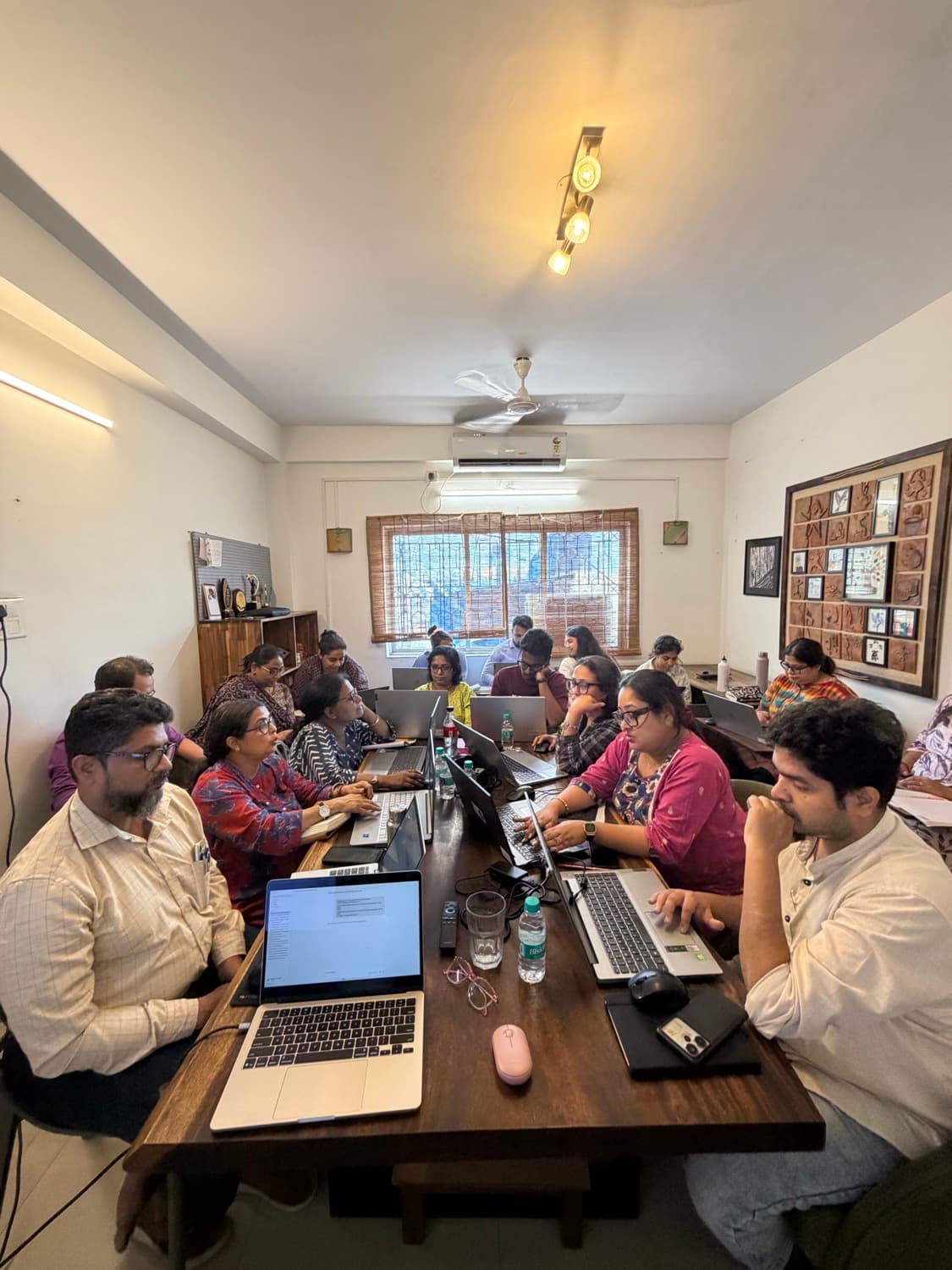
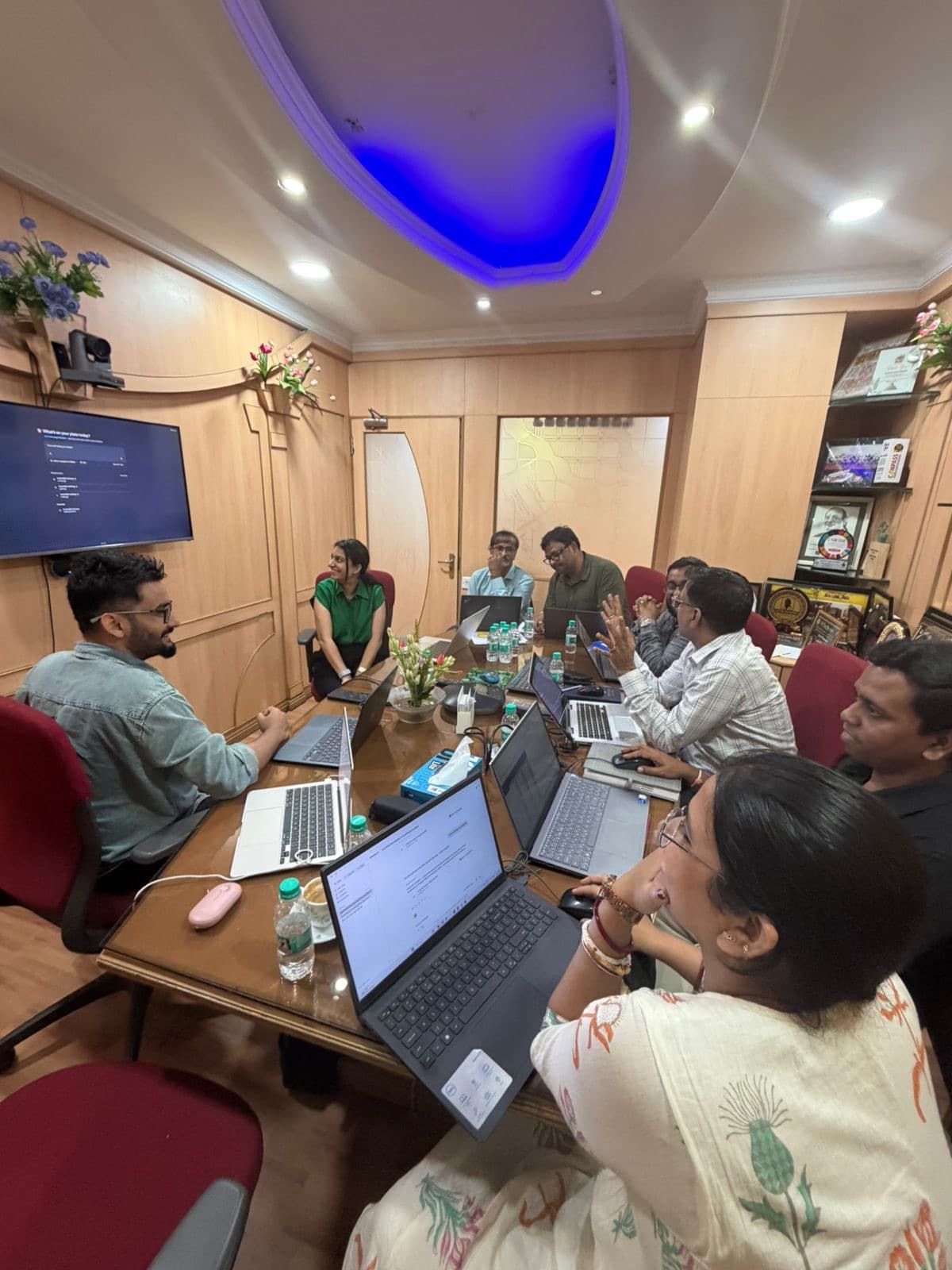
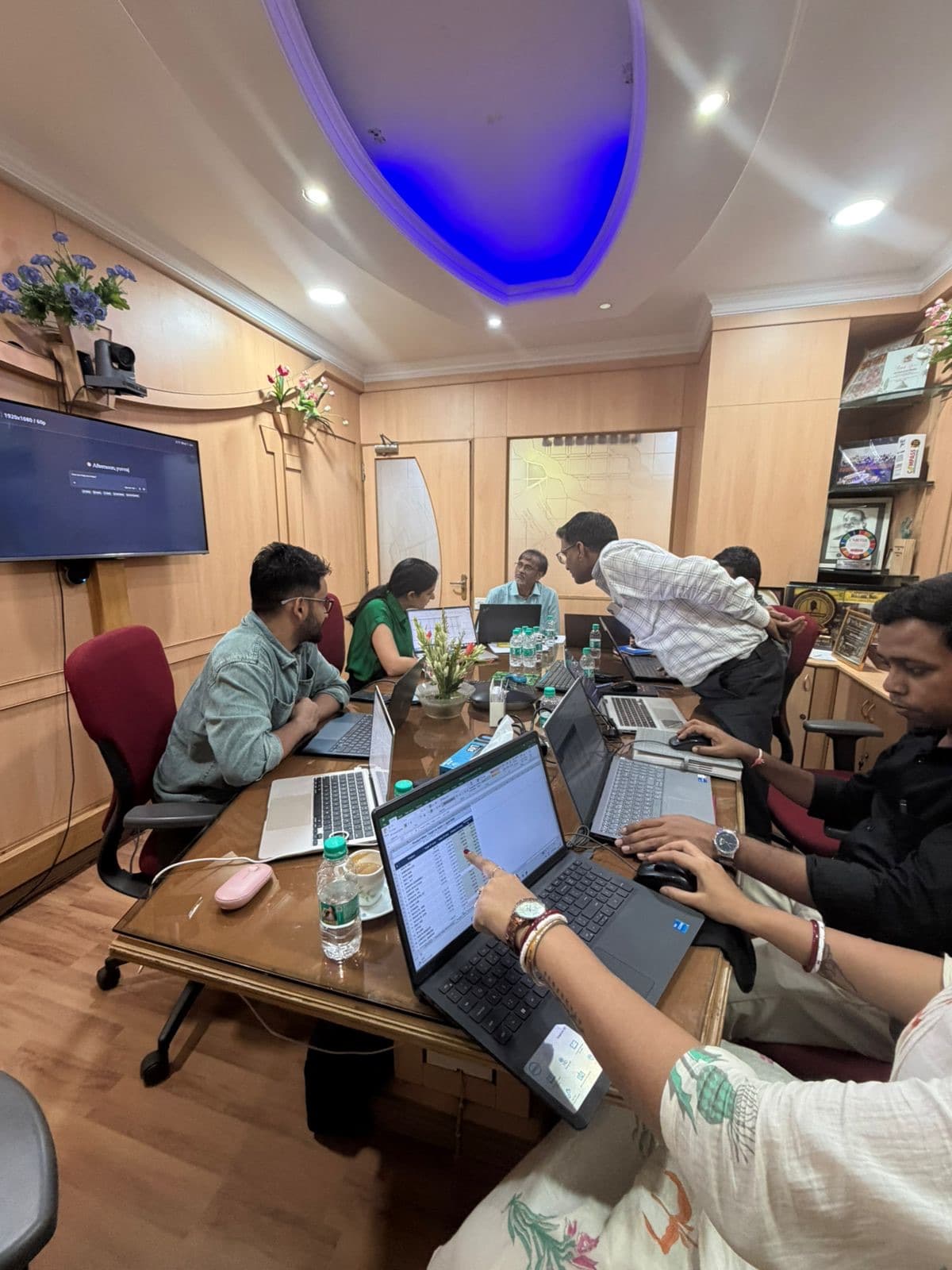
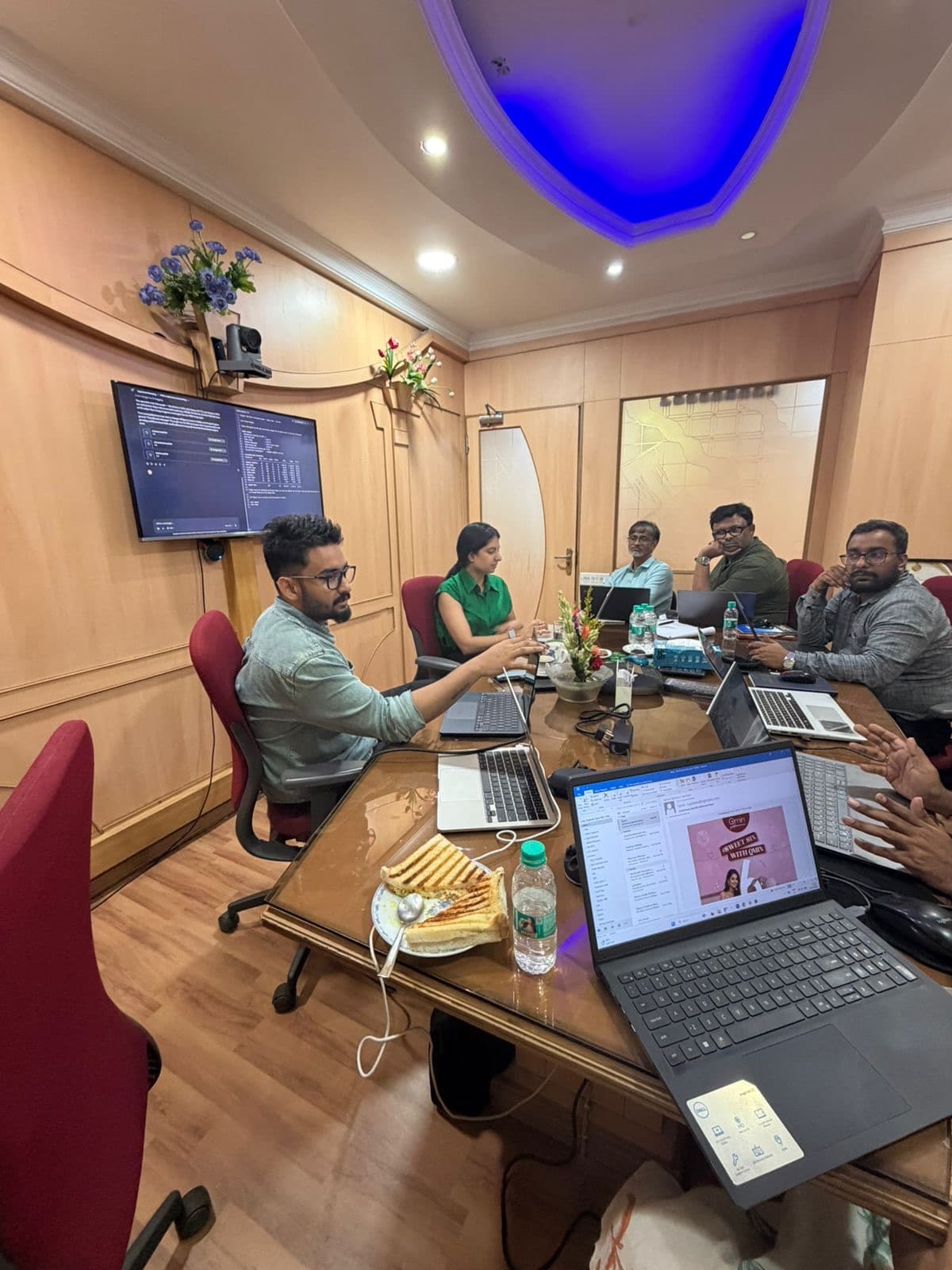
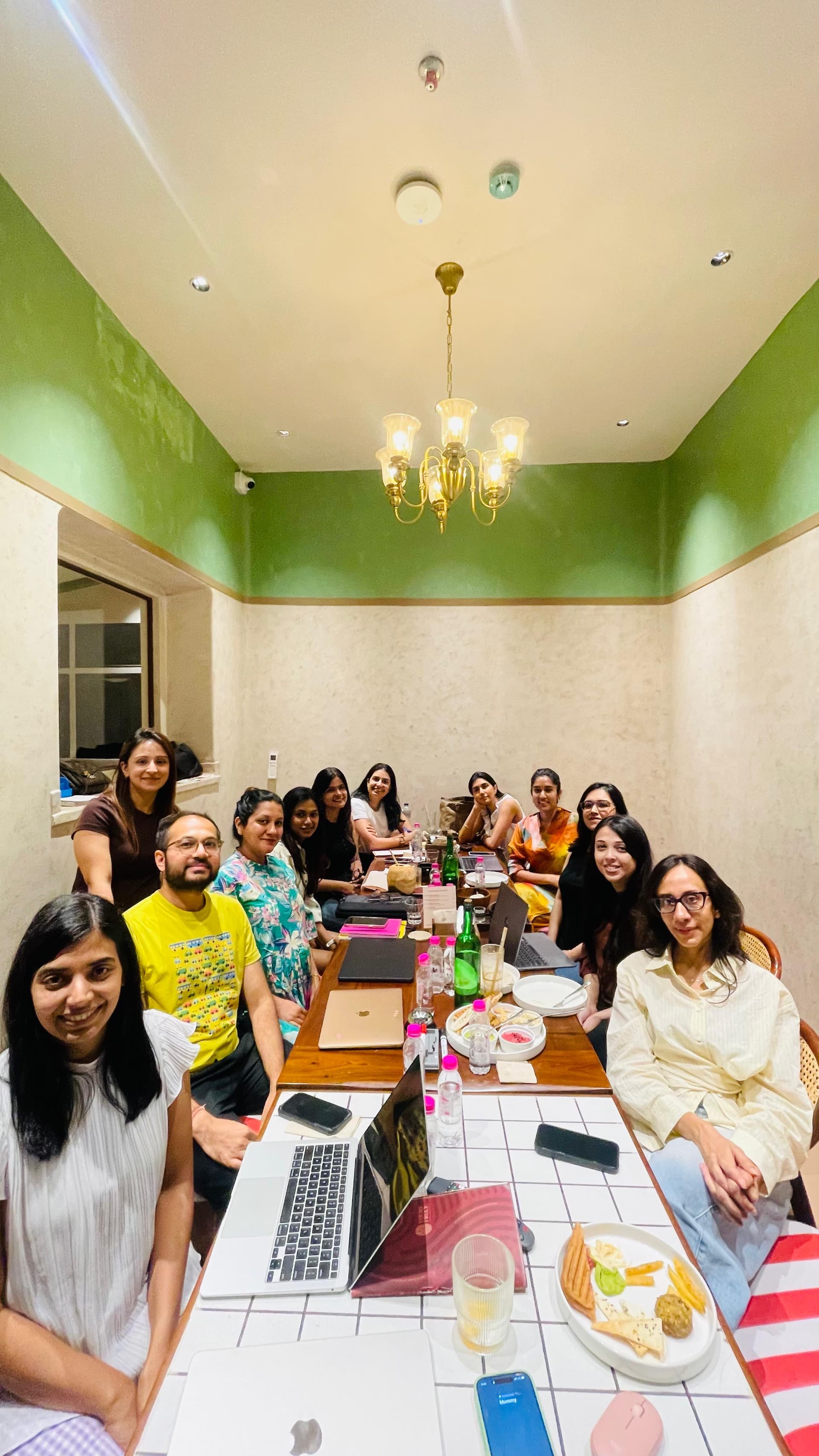
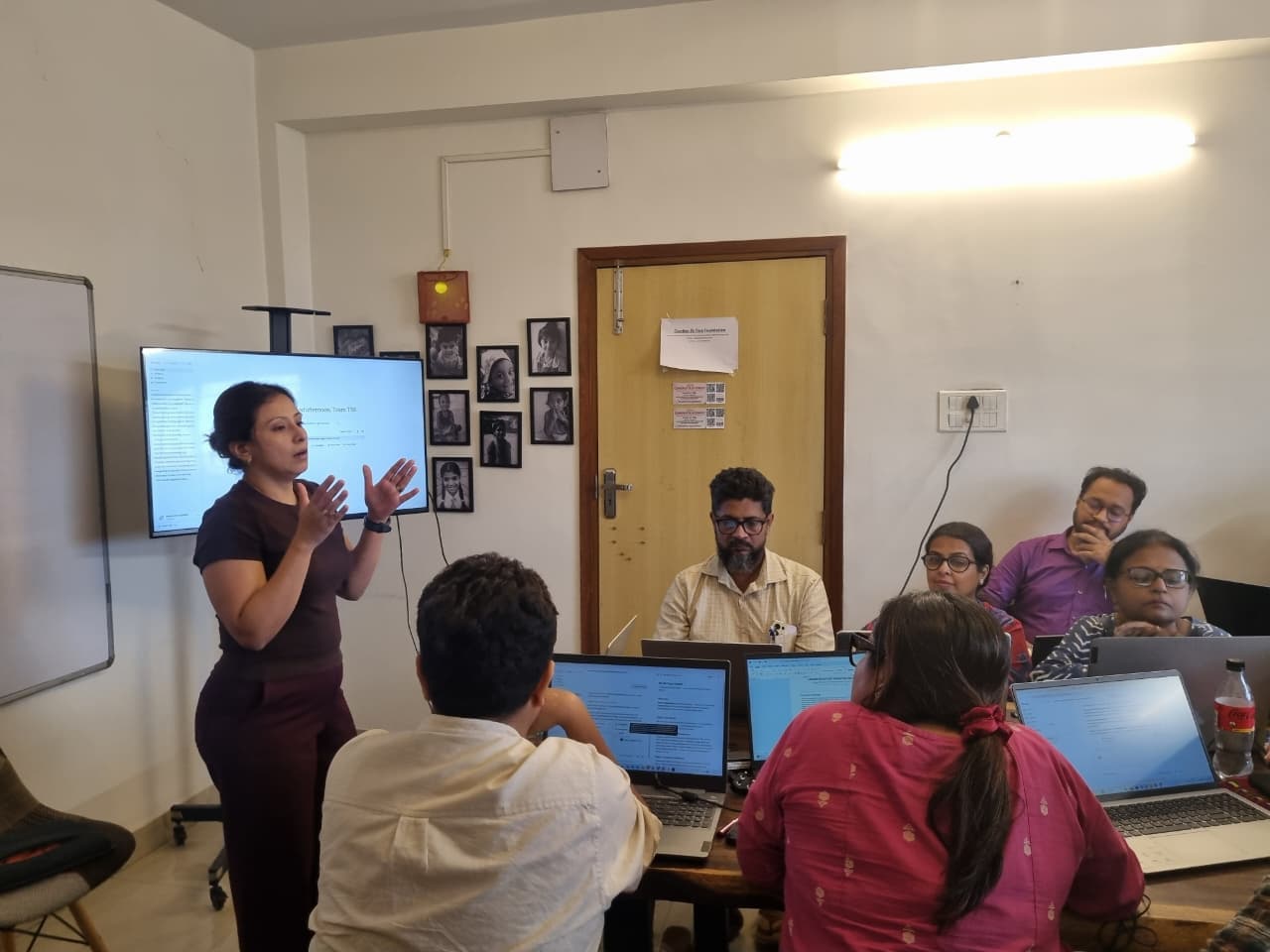
The cohort at a past session
Capped groups · hands-on · your own work
Open now

AI Simplified

Orientation · opens the AI Simplified module

What these tools are, what they still can't do, and where they fit in an ordinary week. You leave with them set up and working.

Live online1–2 hours20 to 30 participantsBring your own work
When
Sat, 22 Aug · 11am IST
Seats close 20 Aug
Your seat
₹1,599

Reserve your seat

AI Simplified

Sat, 22 Aug · 11am IST · ₹1,599 a seat

No payment now. We'll send a payment link within a working day, and your seat is confirmed once it's paid.

See what the session covers →
Why a live session

You already have access to the tools. Now learn what they can really do.

AI tools can do far more than most people discover on their own. The difference is knowing which features matter, what to ask and how to check the result.

This is not a course to sit through. You work live on your own laptop, with us beside you to set things up, answer questions and help when something misbehaves.

What you get

Every session leaves you with something working.

01

Tools working on your laptop

Set up for the way you work, not a generic demonstration.

02

One real piece of work completed

Use the session on something already waiting in your week.

03

A reusable way to do it again

Save the prompt, process or setup so the next attempt starts further ahead.

04

A way to check the output

Learn what the tool does reliably and what you should always verify.

05

Support after the session

Ask questions in The Loop when you start using it by yourself.

Choose your starting point

Choose the path that sounds like you.

Start where you are. Each path is designed for a different kind of work, and you can book one session at a time.

Pricing

Three session types. Three clear prices.

Pay only for the session you book. The price depends on what you will do in it.

₹1,599
Orientation session

Understand the tools, choose where to start and get your setup working.

₹1,999
Hands-on session

Use one tool on a real piece of work with live guidance.

₹2,499
Build session

Build a working AI tool or workflow, with code written during the session.

GST as applicable.

Upcoming sessions

Want a different module?

Choose the module you want and we’ll email you when its next session opens. There is no payment and no commitment.

Tell me when AI Basics for Small Businesses opens

We'll email you when the next AI Basics for Small Businesses session opens.

Your selection is attached automatically.

One-to-one training

Your work. Your pace. Your session.

No fixed module and no waiting for a group date. Choose online or in person, then tell us what you want to work on. Book more than one session if you need time to practise between them.

01

Online or in person

02

How many sessions

Each one runs 90 minutes. Take more than one and the price per session comes down, with time to practise in between.

Your estimate
3,500
1 × 90 minutes
Format
₹3,500
Per session
Online
Where

What you leave with

  • The whole session built around your own work
  • The right AI tools working on your devices
  • A repeatable way to keep using what you learned
  • Time to practise between sessions when you book more than one

Cost

Online, 1 session₹3,500
Per session₹3,500

Request these sessions

We'll reply within one working day to confirm the details and find a time. Submitting this form does not commit you to book.

Your selection is attached automatically.

Human in the Loop · Kolkata & BengaluruGST as applicable.
Who runs them

Who teaches these.

Fatema Hanif

Fatema Hanif

Brand strategist & AI operator

Two decades in brand and marketing, and co-founder of a brand-strategy practice. She runs the whole thing on Claude, from research to client delivery, so a team of four operates like one many times its size. She teaches what she spent two years working out: what these tools can genuinely do for the work you already do.

Yuvraj Adhikari

Yuvraj Adhikari

Head of Applied AI, Headout

He leads Applied AI at Headout, the global travel platform, where he builds the AI systems its teams use every day. He works at the edge of what these tools can do and turns it into things people rely on. In the session, he's the one who makes sure what you build holds up.

From the sessions so far.

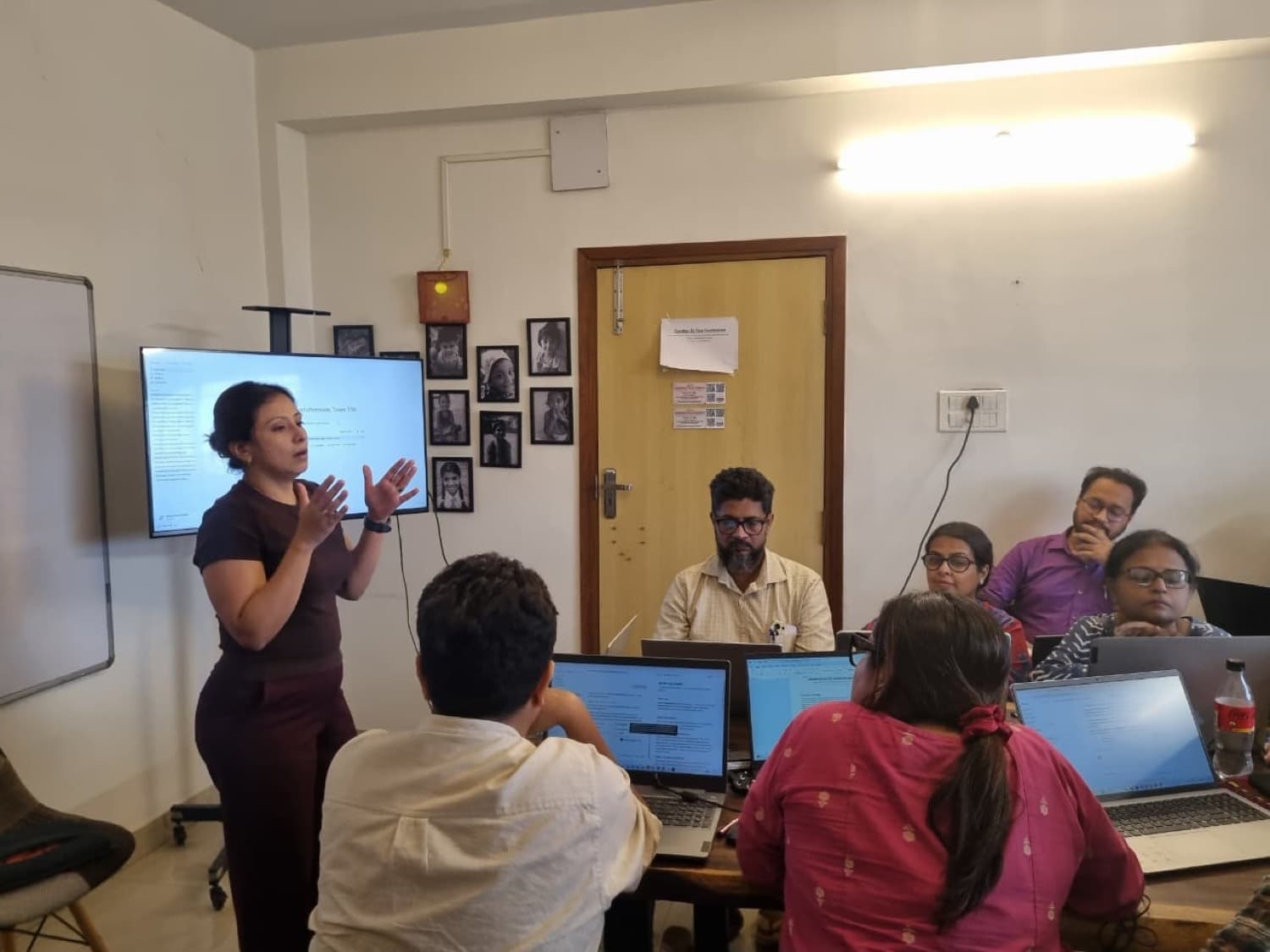
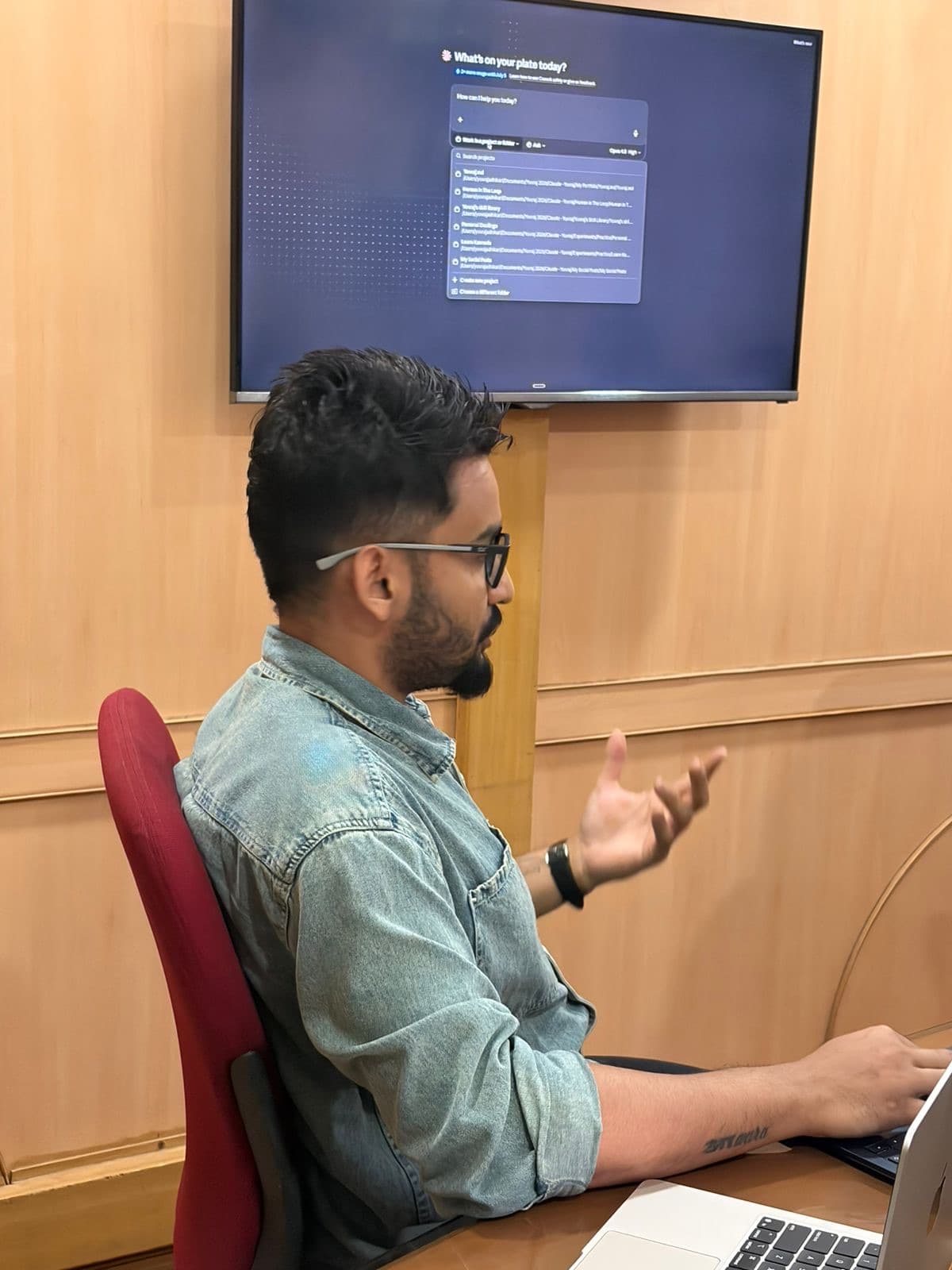
Teaching at a past session
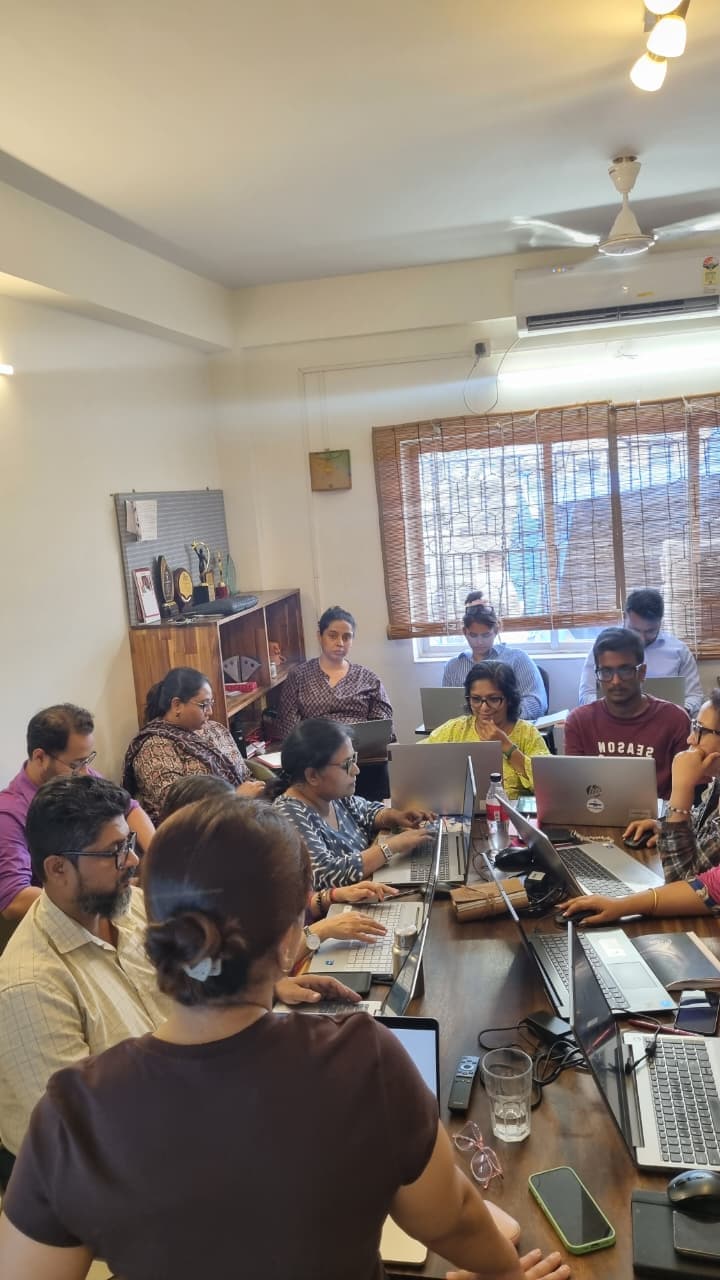
Participants working on their laptops
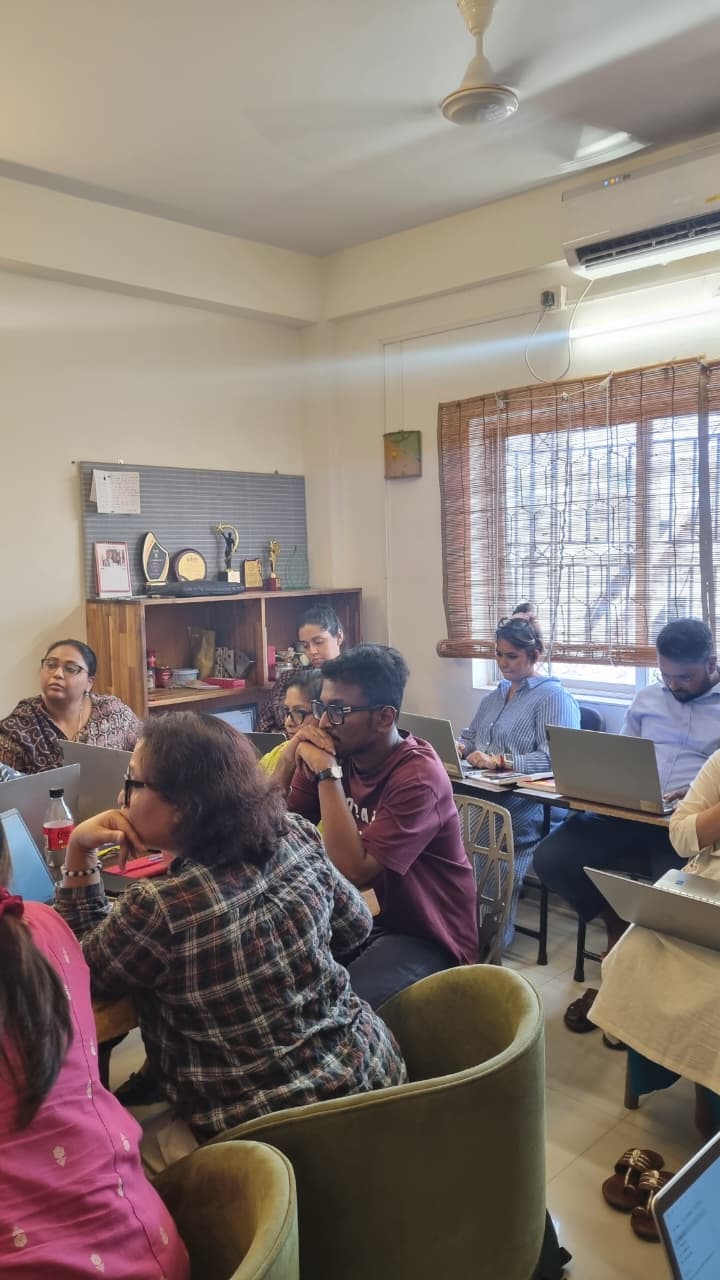
A working group mid-session
Hands-on building during the workshop
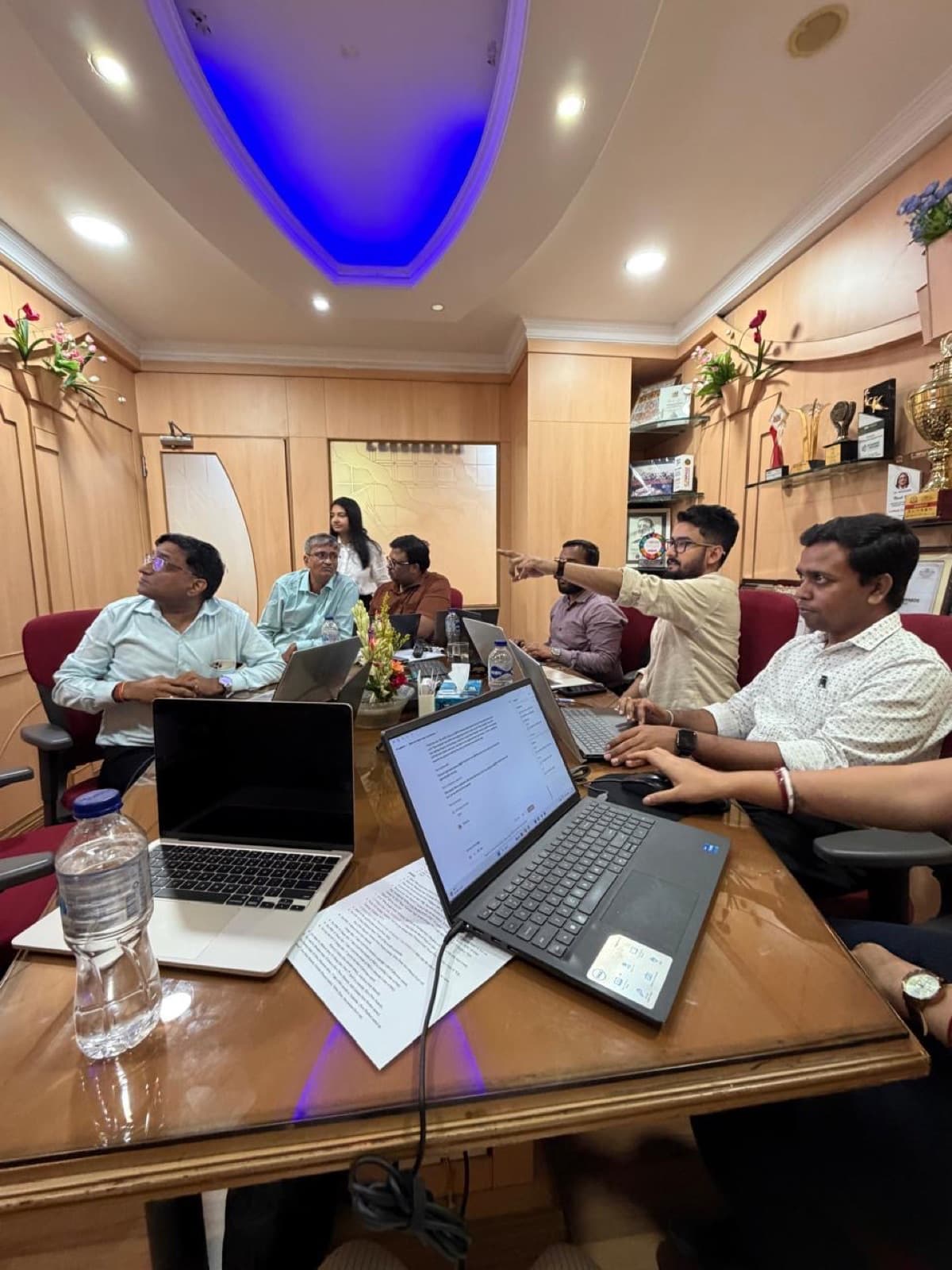
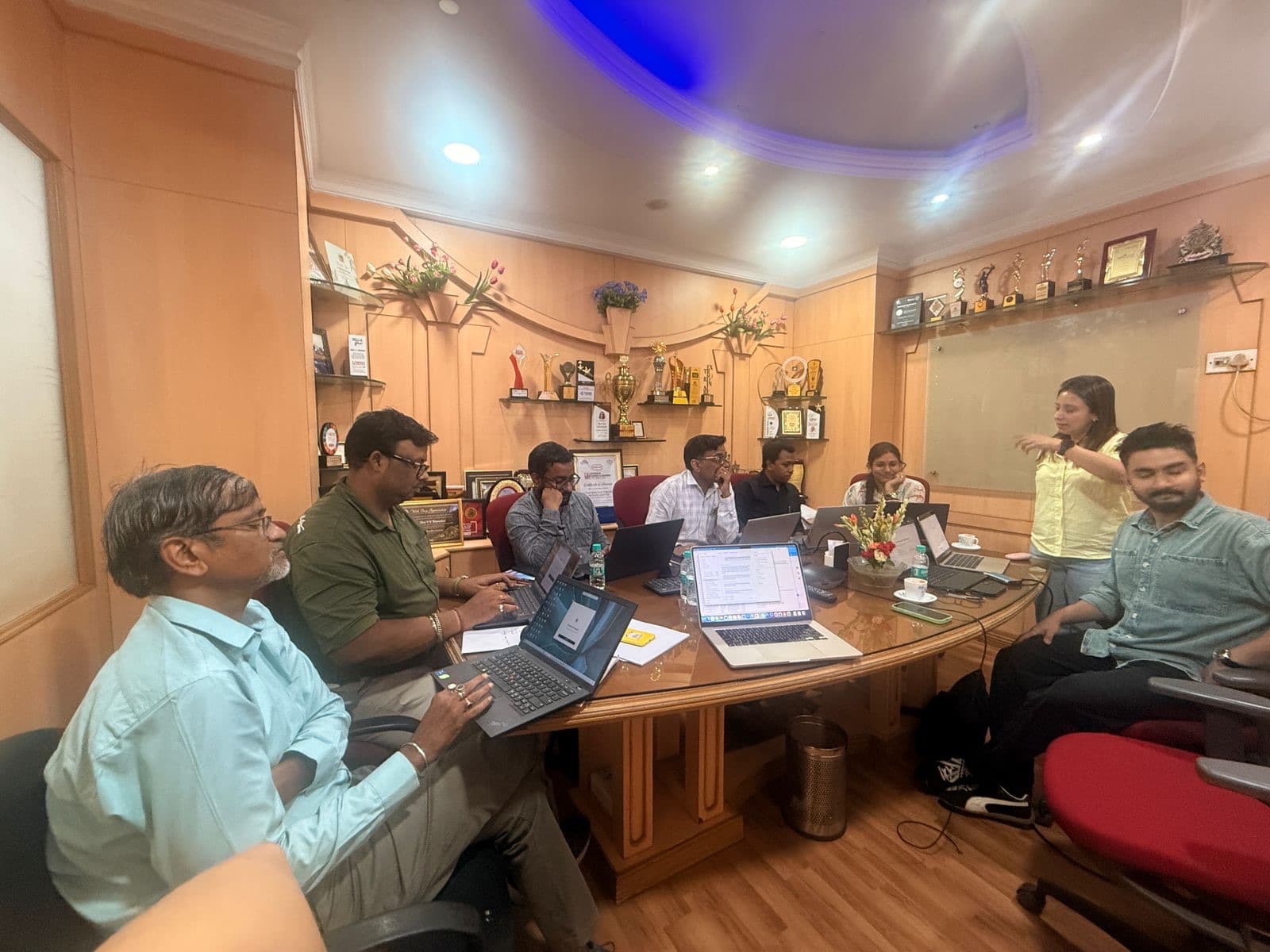
The Supertron India team following along on their laptops in Kolkata
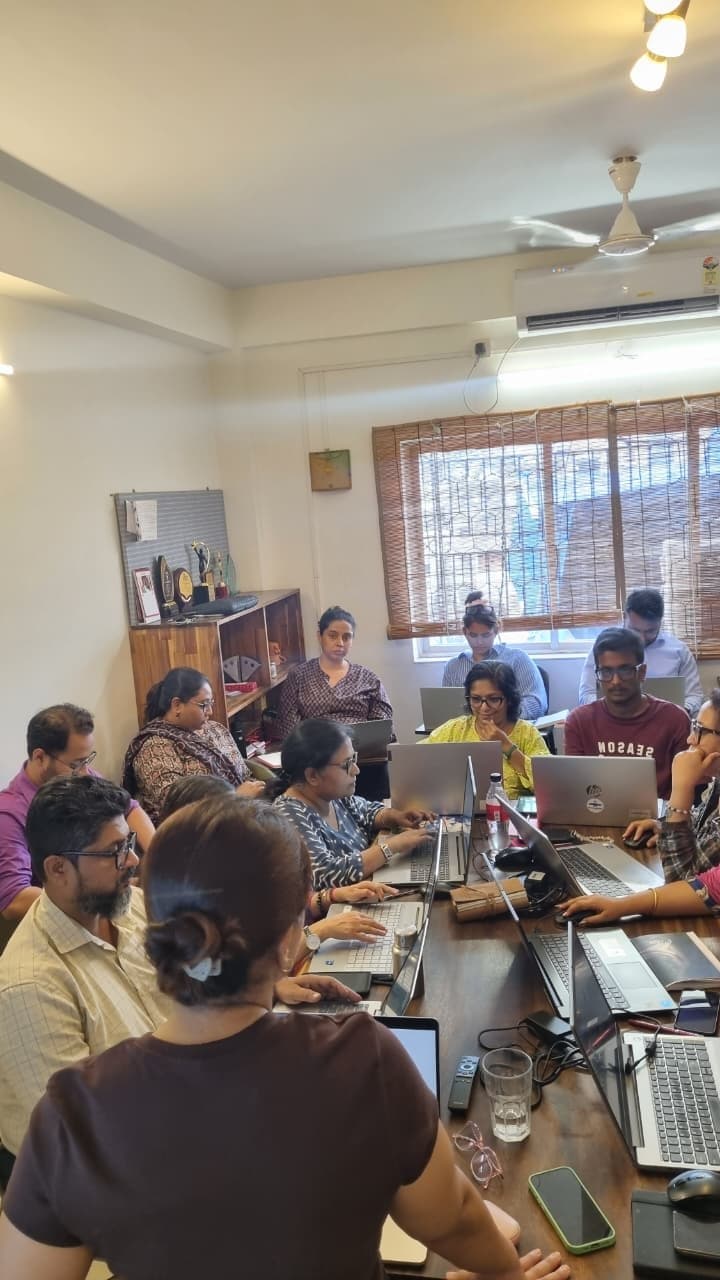
The full cohort around the table at the Supertron India workshop, Kolkata
Hands-on with their own accounts during the Kolkata session
Yuvraj walking the Supertron team through Claude on the big screen, Kolkata
Yuvraj explaining how projects work in Claude, Kolkata
Fatema taking a question from the Supertron team in Kolkata
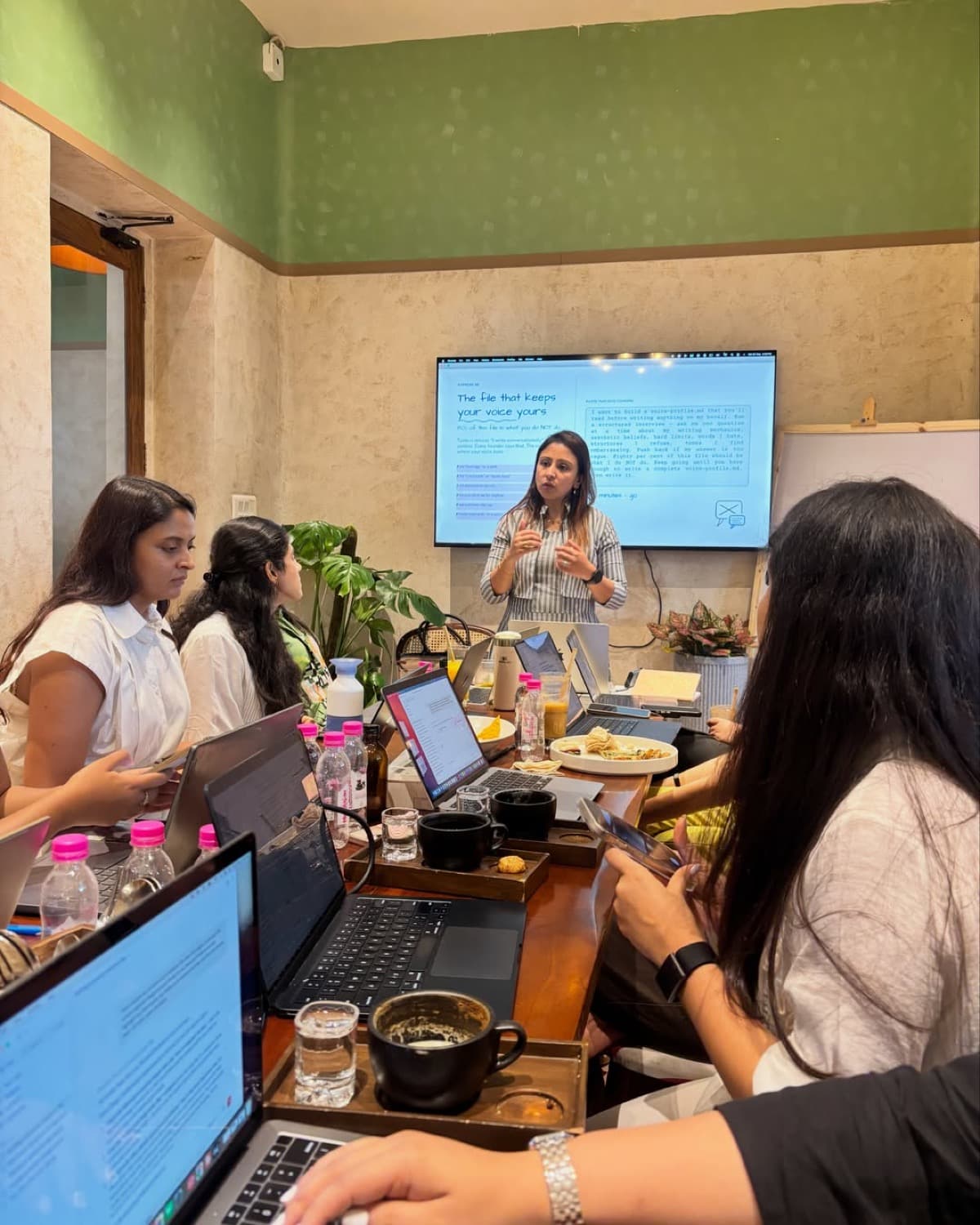
Fatema teaching a session on writing a voice profile, with everyone following on their laptops
The full cohort around the table at the end of an open session
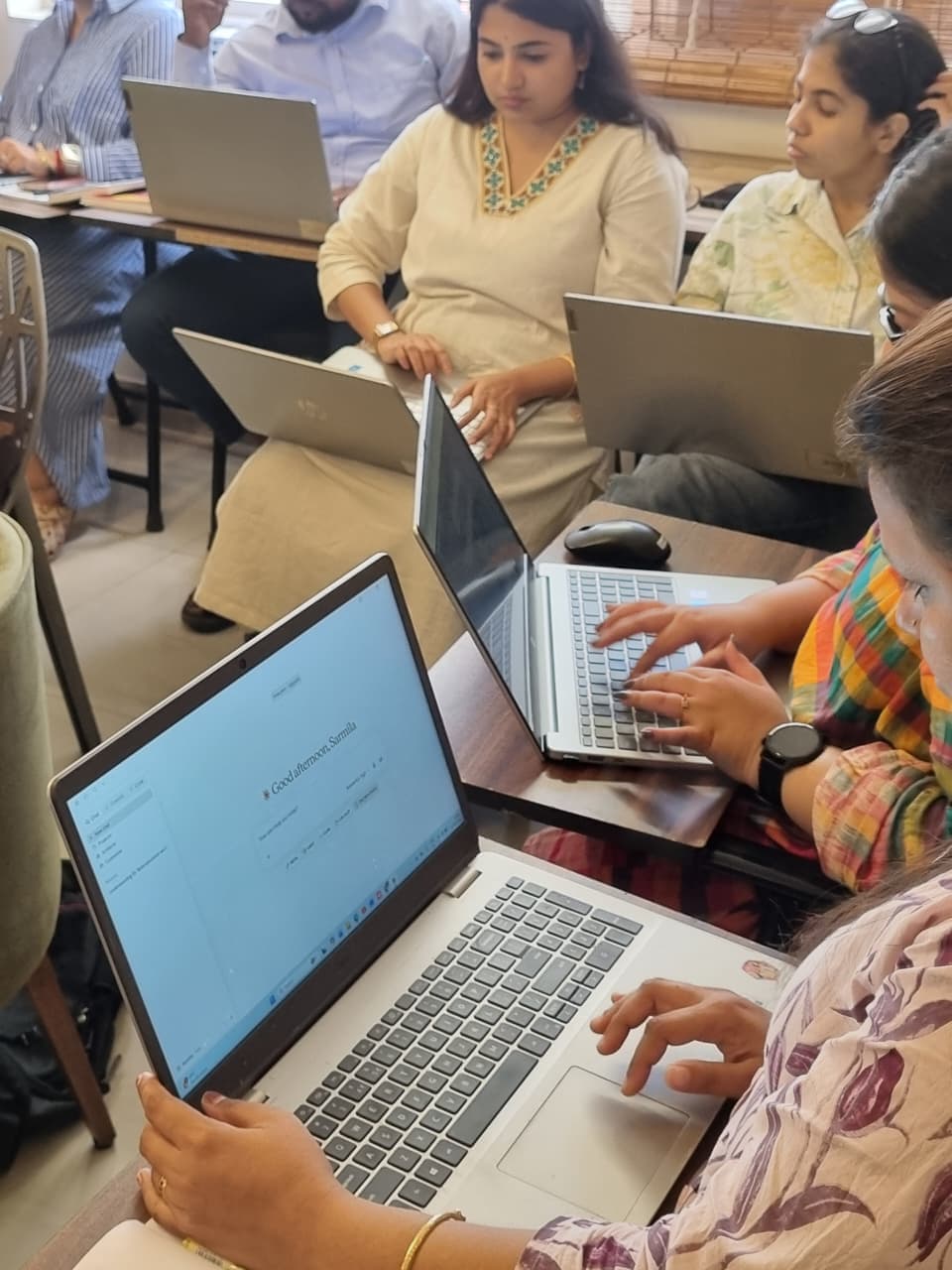
Participants working in Claude on their own laptops during a session
Fatema teaching with Claude open on the screen behind her
A packed session, everyone working through it on their laptops
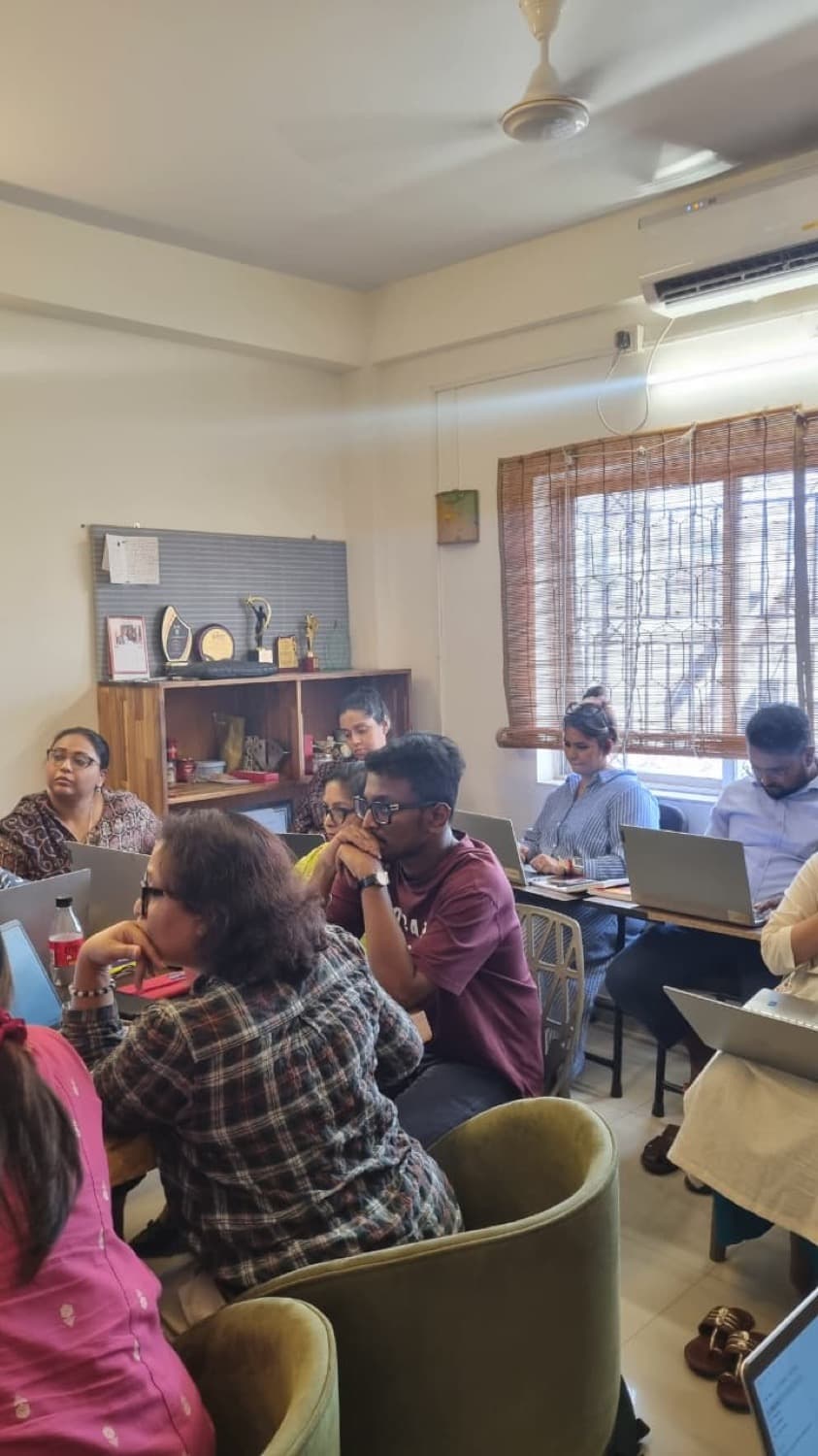
Participants listening partway through a session, laptops open in front of them
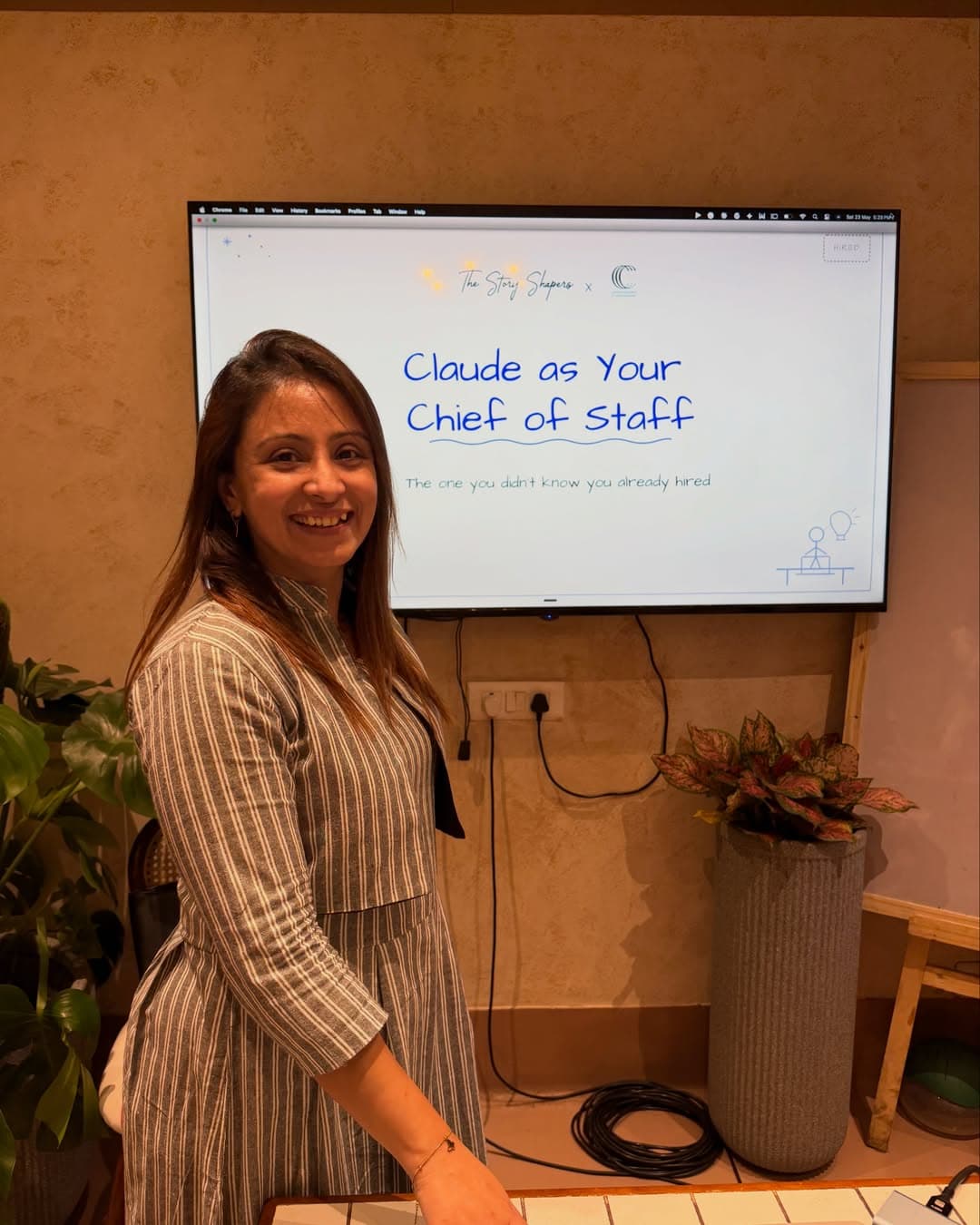
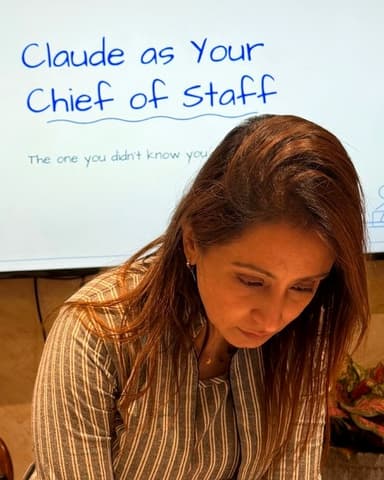
Fatema opening a session on using Claude as a chief of staff

Scroll for more →

The Loop

Somewhere to ask after the session.

Every HITL participant gets access to The Loop, our private WhatsApp community. Ask when a tool changes, your setup stops working, or you want help with what comes next.

  • A practical tool, prompt or workflow every week
  • AI updates filtered for what affects your work
  • Questions welcome, however small
QR code to join The Loop WhatsApp community

Already trained with us? Scan to join The Loop.

FAQ

Questions we get.

Why is only one session open at a time?

Because we teach them ourselves, in groups of 20 to 30, on the work people bring in. Running the whole catalogue at once would mean bigger groups and less attention per person. The rest open on a rolling basis. Choose the module you want, ask to be notified, and you'll hear before it goes out anywhere else.

Which module should I start with?

If you've barely used these tools, AI Simplified. If you run a small business and want AI inside daily operations, AI Basics for Small Businesses. If you're a founder or solo operator, AI for Founders. If you already use AI most days and want to go further than chat, AI at Work.

Do I have to take the orientation first?

No, but it's the cheapest session in every module and it's where we work out what you should be fixing. Most people who skip it end up asking the orientation's questions halfway through a later session.

Do I need a paid subscription to these tools?

Not for the orientation and hands-on sessions. The free tiers cover what we do, and we'll get your settings right at the start so you're not hitting limits halfway through. Build sessions are the exception; we'll tell you what you need before the date.

What do I need on the day?

A laptop and one real task you've been putting off: a proposal you haven't started, or a report you rebuild every month. That's what you work on. If nothing comes to mind, we'll find one in the first ten minutes.

What happens after I reserve a seat?

We email you the date, the joining link, and a payment link. Nothing is held until payment goes through, and each session is capped at 30 participants.

Is this useful if I'm not running a business?

Yes. Students, people between jobs, and people who just want to be good at this come through every session. The work you bring is whatever your work is.